Design - Create - Grow



If you’re a clothing designer using Adobe Illustrator, templates can save you hours of work. Illustrator is only one piece — see the complete software toolkit for launching a clothing brand.
From tech packs to t-shirt mockups, having editable AI files can help you launch faster, present cleaner, and maintain a professional edge. In this post, you’ll find free Illustrator templates hand-picked for streetwear, fashion, and print-on-demand creators. And if you’re still choosing your setup, see our breakdown of the best software for building tech packs before you commit to a workflow. A word of caution on freebies: read our honest free vs paid tech pack template breakdown — some free templates cost you more in factory revisions than a paid one. For streetwear specifically, our roundup of free streetwear mockup sites saves you the hunting.
Free Illustrator Templates Every Clothing Designer Needs
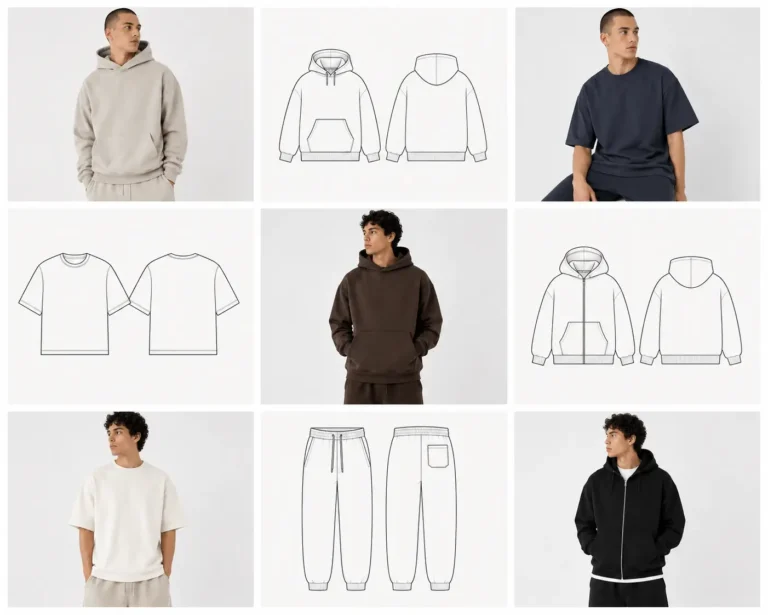
1. T-Shirt Mockup Template (Free AI)

- Includes: Front & back views
- Editable shapes, shadows, color layers
- Perfect for showcasing streetwear or DTF graphics
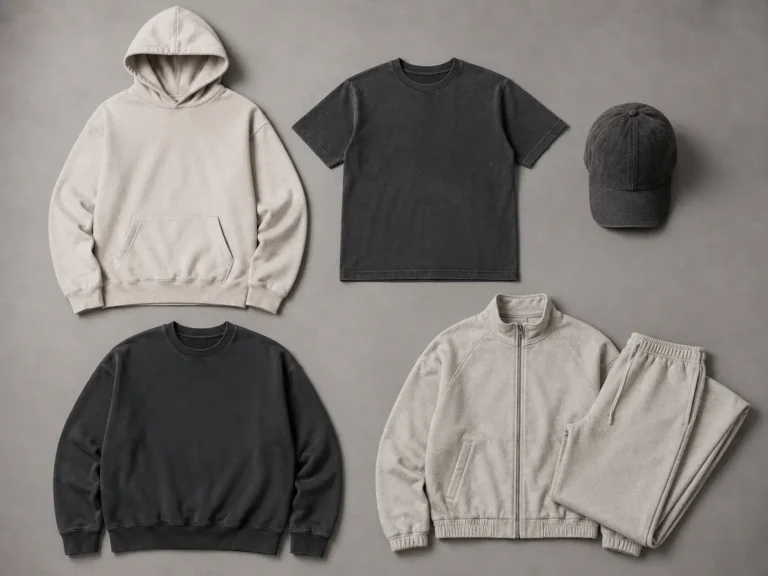
2. Cap & Beanie Vector Mockup Pack
- Includes: Dad hat, beanie, and trucker styles
- All items fully layered in Illustrator
- Easy to add embroidery or patch textures
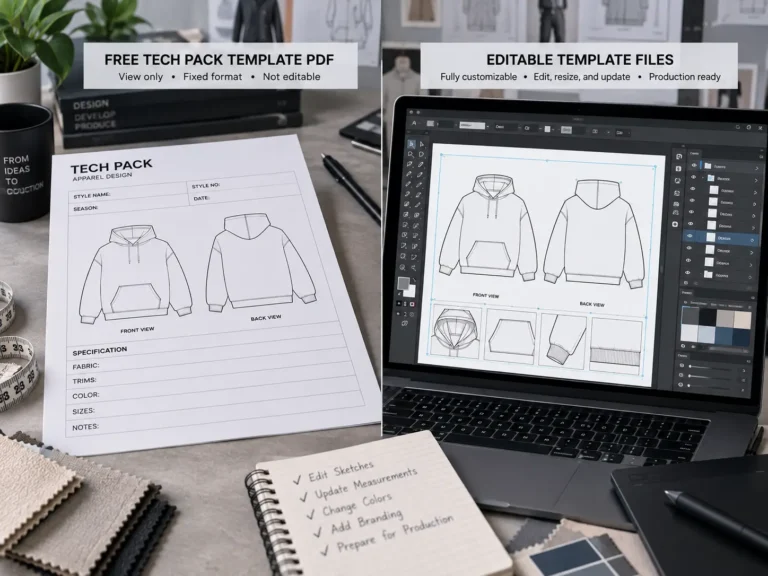
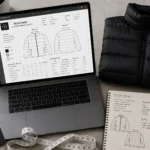
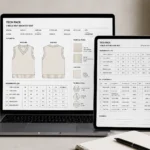
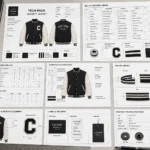
3. Basic Tech Pack Template (AI Format)

- Editable spec sheets for designers & manufacturers
- Organized sections for fabrics, details, fit, and branding
- Great for freelance fashion designers or startups
What to Check Before You Download Any Free Template
Not all free templates are built equally. A 60-second check before you download saves you from broken files and licensing headaches later:
- File format. True AI files open natively in Illustrator with layers intact. EPS files also open in Illustrator but can flatten complex effects. Avoid anything that’s just a JPG or PNG labeled as a “template” — you can’t properly edit those.
- Illustrator version. AI files saved in newer versions won’t open in older Illustrator. If a download doesn’t state its version, assume you’ll need a recent release.
- Layer organization. A usable template has named, sensibly grouped layers (body, sleeves, stitching, labels). If everything is flattened into a single layer, it’s barely a template — you’ll spend more time rebuilding it than you saved.
- License terms. “Free download” doesn’t always mean “free for commercial use.” Check whether the license covers client work and products you sell. Some freebies are personal-use only or require attribution, which gets awkward on a product page.
- What’s actually included. A good listing tells you exactly what you get — views, file types, sizes. Vague listings usually mean thin files.
Why Illustrator Templates Are Essential for Designers
- Scale without quality loss
- Fully editable for colors, stitching, textures
- Faster prototyping and client approval
- Saves time with every collection release
How to Customize a Template in Illustrator: A 5-Minute Workflow
- Open and inspect. Open the AI file, open the Layers panel, and expand the groups so you can see how the artwork is structured before you touch anything.
- Recolor in one pass. Select the garment artwork and go to Edit → Edit Colors → Recolor Artwork. You can test entire colorways in seconds without touching individual paths.
- Swap in your graphics. Place your own artwork (File → Place), then use clipping masks to fit prints inside garment panels — the print follows the garment’s shape automatically.
- Adjust the details. Stitching, trims, and labels are usually separate paths or dashed strokes. Change stroke weight or color to match your spec instead of redrawing them.
- Export correctly. Export PNGs at 300 PPI for presentations and tech packs. Keep a master copy of the AI file untouched so you always have the editable original.
Work on a copy, never the original download — that way you can always start fresh.
When Free Templates Stop Being Enough
Free templates are excellent for learning, mockups, and early presentations. But they have a ceiling: most free tech pack templates cover one generic garment with simplified pages, while factories expect garment-specific measurements, construction callouts, and graded specs. The warning sign is revision requests from manufacturers — or the hours you spend rebuilding a free template to make it factory-ready. When a purpose-built template saves you even one sampling round, it has usually paid for itself. Until then, free files are a perfectly honest place to start.
Frequently Asked Questions
Can I use free Illustrator templates for commercial work?
Sometimes. It depends entirely on the license attached to the file. Many creators allow commercial use; others restrict files to personal or educational use or require attribution. Always check the license file or the download page before using a template on products you sell or client work.
What version of Illustrator do I need?
Any recent Creative Cloud version opens most modern AI and EPS files. If a file won’t open or shows a version error, it’s almost always because it was saved in a newer Illustrator than the one you have installed.
Should I download AI or EPS?
AI when it’s available — it preserves layers, effects, and editability exactly as the creator built them. EPS is a solid fallback and opens in Illustrator too, but complex gradients and effects can flatten.
Why does my downloaded template look broken?
The three usual culprits: a version mismatch (see above), missing fonts that weren’t outlined, or a file that was actually a flattened image saved with an AI extension. Re-download from the source before assuming your software is the problem.
Bonus: Want Even More Freebies
Check the Freebies Hub at S.i. Graphics
Get vector mockups, tech packs, and more — made for Illustrator users. New to vector workflows? Start with our vector clothing mockups explainer for Illustrator users.