Design - Create - Grow



Trying to figure out how to build a clothing brand design system budget without your drops looking amateur? You’re not alone. Most emerging fashion founders don’t have $5,000+ sitting around for a design agency retainer, and honestly, most don’t need one.
Here’s the truth: a scrappy t-shirt line and a polished streetwear label often use the exact same production files. The difference isn’t the size of the budget — it’s whether your brand has a real clothing brand design system budget plan behind it, or just a logo slapped onto a blank tee. Agencies charge a premium for structure, consistency, and factory-ready files. You can build all three yourself, for a fraction of the cost, if you know which tools actually matter.
This guide breaks down exactly what a clothing brand design system includes, how DIY compares to hiring out, and which tools and bundles get you factory-ready faster — without draining your startup capital. By the end, you’ll know precisely where to spend your first $20, $55, or $80, and why that beats a $5,000 invoice for most first- and second-collection founders.
⚡Quick Answer: Building a clothing brand design system on a budget doesn’t mean sacrificing factory quality. You can skip $3,000–$5,000 in agency fees by using modular design bundles instead. Absolute beginners should start with a starter-tier bundle (roughly $20). Founders who need full manufacturer-ready tech packs and a permanent asset library should look at a complete system bundle (roughly $100) — still a fraction of agency pricing.
What Is a Clothing Brand Design System?
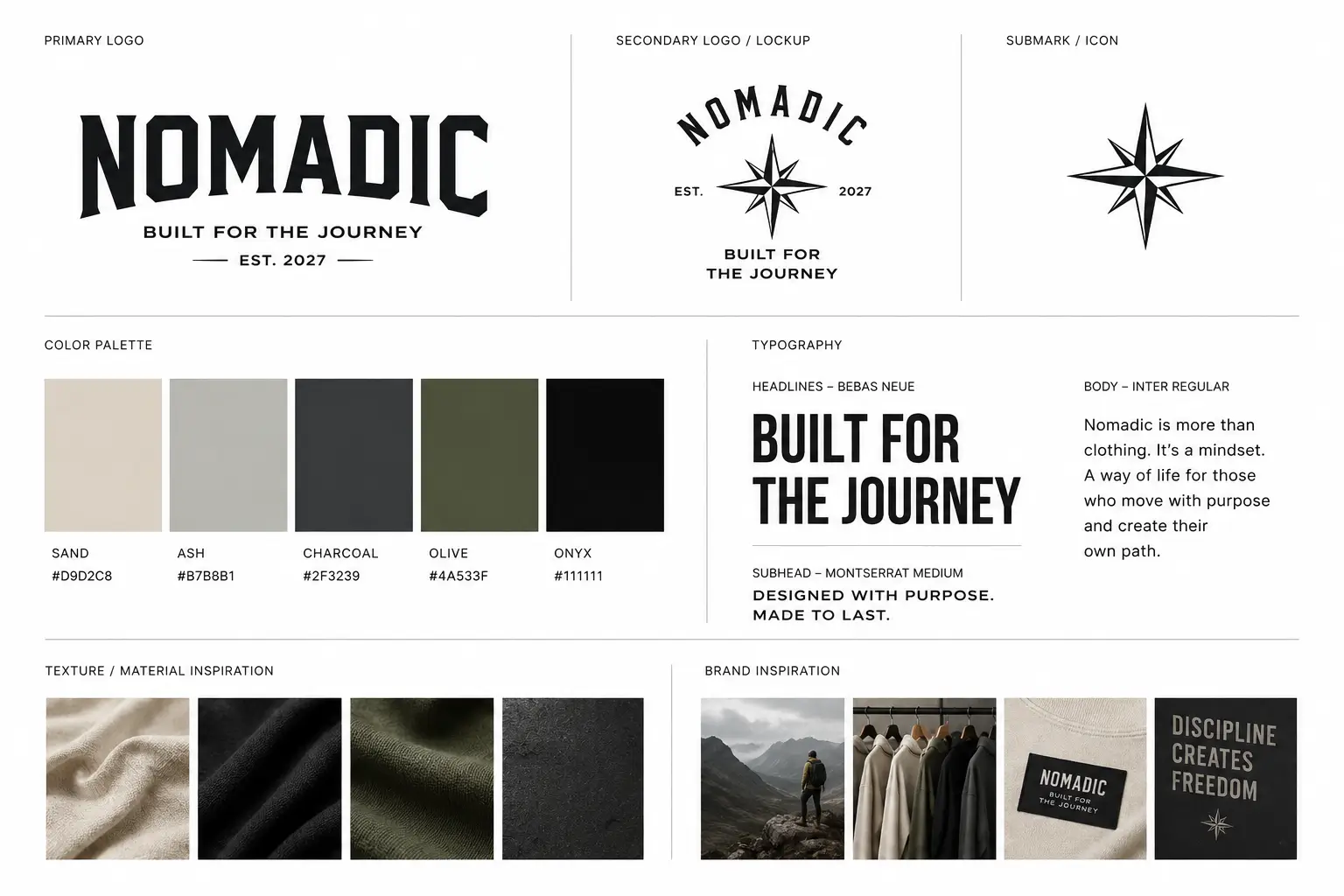
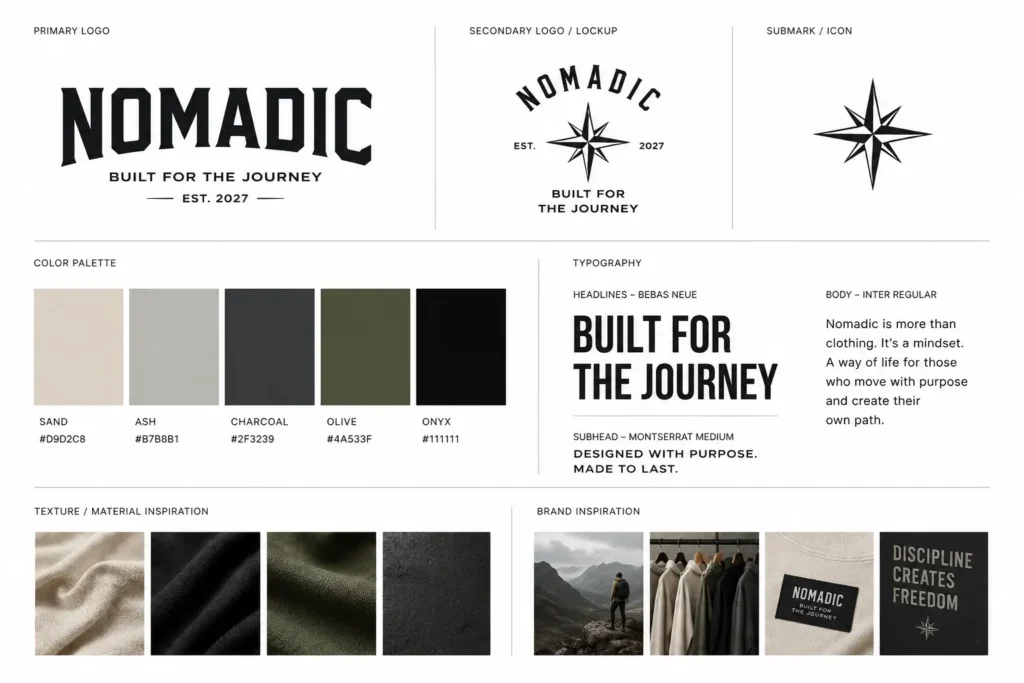
A clothing brand design system is the organized set of visual and technical assets — logos, typography, color palettes, vector garment blanks, and tech packs — that keeps every piece of your brand looking and functioning consistently, from your Instagram grid to your factory spec sheet.
Unlike a single logo file or a Canva template, a real design system works across every touchpoint your brand needs:
- Brand guidelines — colors, fonts, logo lockups, spacing rules
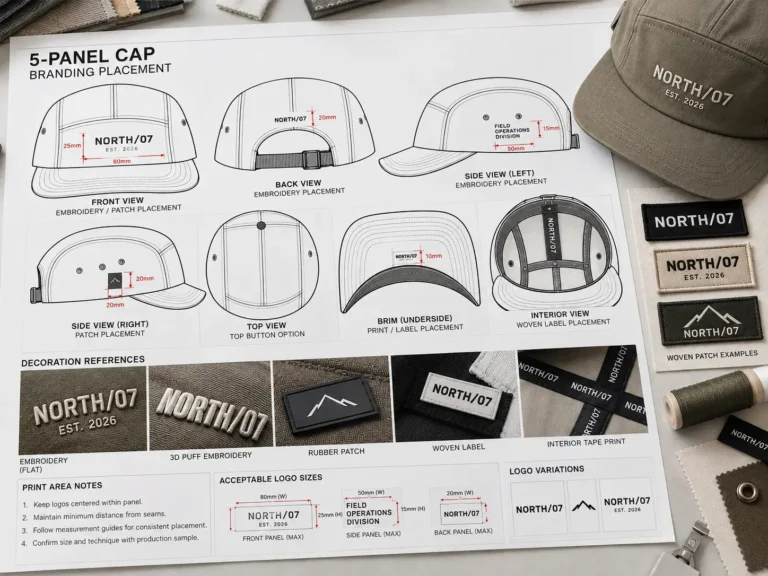
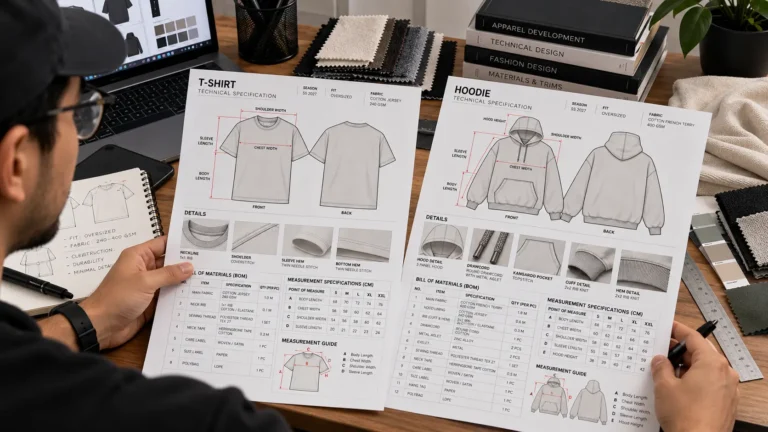
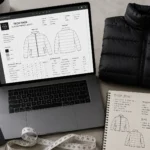
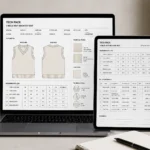
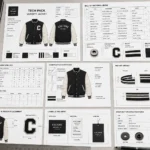
- Tech packs — factory-ready PDFs and vector files with measurements, stitch callouts, and material specs
- Vector garment templates — editable blanks (hoodies, tees, joggers) used for both mockups and production art
- Mockup files — high-res PSDs for marketing and social content
- Reusable brand assets — hangtags, care labels, packaging templates
The most common formats you’ll run into are AI and SVG for vector work, PSD for flattened mockups, and PDF for tech pack delivery to manufacturers. Having all of these built around one consistent visual language is what separates a brand that “looks put together” from one that reads as thrown together.
The payoff is practical, not just aesthetic. A working design system helps you:
- ✓ Scale faster across multiple products without redesigning from zero each time
- ✓ Maintain visual consistency across your store, packaging, and social channels
- ✓ Cut costly production errors caused by inconsistent or incomplete spec files
- ✓ Save money by reusing the same vector source files across seasons
Real-world use cases: a solo streetwear founder pitching a small-batch manufacturer needs a clean tech pack, not just a pretty mockup. A brand doing recurring seasonal drops needs a locked-in visual system so each new drop still feels unmistakably “them,” rather than starting from scratch every quarter.
Hiring a Design Agency vs. Pre-Built Design Systems
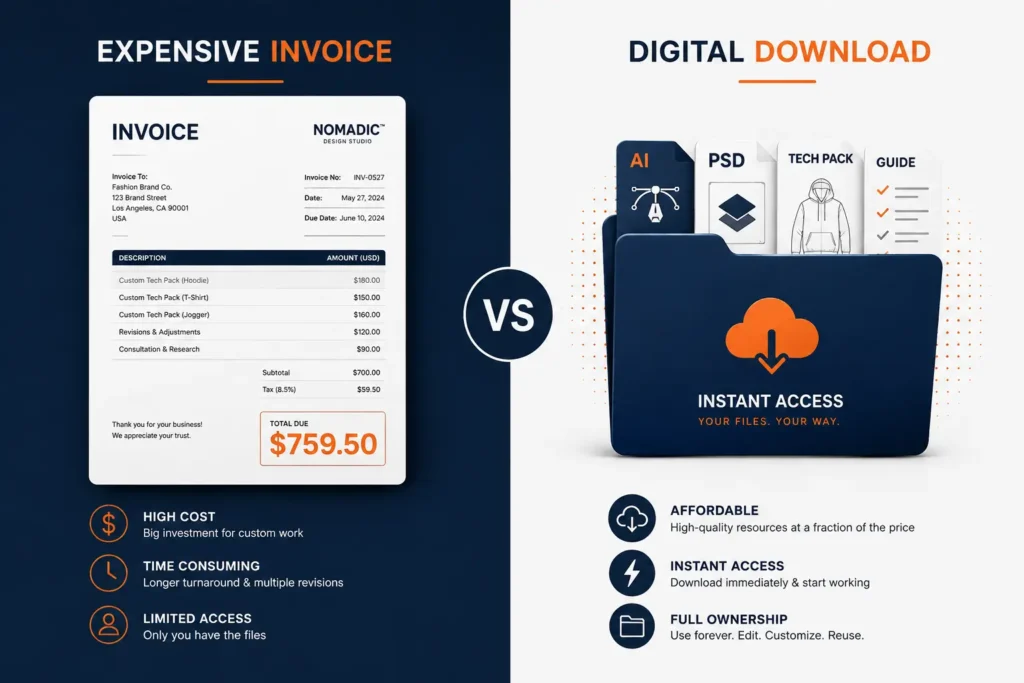
If you’ve priced out a fashion branding agency, you already know the sticker shock. A full identity package — logo, guidelines, a handful of tech packs — commonly lands between $3,000 and $5,000, and freelance technical designers alone often charge $120–$1,200 per tech pack depending on complexity. That adds up fast if you’re planning more than one style per drop.
That’s not to say agencies are a bad investment — for a well-funded brand launching a large, complex line with proprietary silhouettes, custom illustration, and heavy retail packaging, a dedicated designer earns their fee. But for a founder testing a first or second collection, that spend rarely makes sense before you’ve validated demand.
This is where clothing brand design on a budget becomes less about “cheap” and more about “smart.” Pre-built design system bundles give you professionally structured, editable files — the same categories of assets an agency would deliver — for a one-time cost instead of a retainer.
| Feature | Custom Agency ($3K–$5K+) | DIY From Scratch | Pre-Built Bundle ($20–$80) |
|---|---|---|---|
| Cost | $3,000–$5,000+ | $0 (your time) | $19.99–$79.99 one-time |
| Turnaround Time | 2–6 weeks | Weeks to months | Immediate download |
| Editability | Depends on files delivered | Fully yours | Fully editable source files |
| Tech Pack Readiness | Yes, if scoped in | Rarely accurate | Yes, factory-formatted |
| Scalability | Limited by budget for revisions | Limited by your skill | Reusable across drops |
| Ownership | Contract-dependent | Full | Full, with commercial license |
💡 Pro Tip: Factories don’t work off regular photos or Instagram-style mockups — always confirm your design system includes vector tech packs with explicit measurement callouts, not just flattened images.
For most bootstrapped and early-stage founders, a well-built bundle closes 90% of the gap an agency would fill, at roughly 1–4% of the cost.
Top 7 Tools & Bundles for a Clothing Brand Design System on a Budget
Here’s how the main options stack up, from free tools to complete systems. We’ve included honest pros and cons for each — including where a tool falls short — so you can match the right one to your stage.
1. S.i. Graphics Starter Bundle — Best Budget Entry
The Starter Bundle is built for founders launching their very first drop who need core essentials without committing much cash. It includes editable vector garment blanks, a basic brand guideline template, and starter-level mockup files — enough to look organized without overbuying assets you’re not ready to use.
Price: $19.99
Includes: Vector garment blanks, basic brand guideline template, entry-tier mockups, commercial usage rights
Best for: First-time founders launching a single product or capsule drop
Pros:
- ✓ Extremely low-risk entry point
- ✓ Editable vector source files, not flattened images
- ✓ Commercial license included
- ✓ Simple enough for design beginners to customize
Cons:
- ✗ No full tech pack library — better suited to pre-manufacturing planning
- ✗ Limited garment styles compared to higher tiers
2. S.i. Graphics Designer Bundle — Creator’s Choice
The Designer Bundle is the sweet spot for founders who’ve validated a first drop and are ready to build out a full seasonal collection. It expands the design system with complete tech packs, a broader vector asset library, and higher-resolution mockups suitable for paid ad creative.
Price: $59.99
Includes: Expanded vector library, complete tech packs, high-res mockups, brand guideline templates, commercial license
Best for: Active founders scaling past a single product into a small collection
Pros:
- ✓ Complete tech packs ready to send to manufacturers
- ✓ Wider range of garment templates (tees, hoodies, joggers)
- ✓ High-res mockups suitable for paid social ads
- ✓ One-time cost, no recurring fees
Cons:
- ✗ Requires Illustrator or a similar vector editor to fully customize
- ✗ Not a brand strategy service — you’re still making the creative decisions
3. Adobe Creative Cloud (Illustrator/Photoshop) — Essential Software Foundation
Whatever design system you buy, you’ll likely need software to open and edit vector apparel design system files. Adobe’s Illustrator and Photoshop remain the industry standard for editing AI vector tech packs and PSD mockups.
Price: ~$20–$55/month
Includes: Full vector and raster editing suite
Best for: Anyone customizing AI or PSD design system files
Pros:
- ✓ Industry-standard file compatibility with manufacturers
- ✓ Full control over every element of your design system
- ✓ Works with virtually every bundle or template format on the market
Cons:
- ✗ Recurring monthly cost stacks up over a year
- ✗ Learning curve for founders with no design background
4. Figma / Canva — Best for Collaborative Brand Guidelines
Figma and Canva are strong for building brand guideline documents, mood boards, and social content quickly, especially if you’re collaborating with a co-founder or freelancer remotely.
Price: $0–$15/month
Includes: Collaborative design boards, basic templates, brand kit tools
Best for: Building brand books, mood boards, and social graphics
Pros:
- ✓ Free tier covers most early brand-guideline needs
- ✓ Real-time collaboration with team members or freelancers
- ✓ Fast to learn, no formal design training required
Cons:
- ✗ Not built for apparel manufacturing — no true tech pack functionality
- ✗ Exported files aren’t factory-ready without rework in Illustrator
5. S.i. Graphics OMEGA Bundle — The Complete Design System
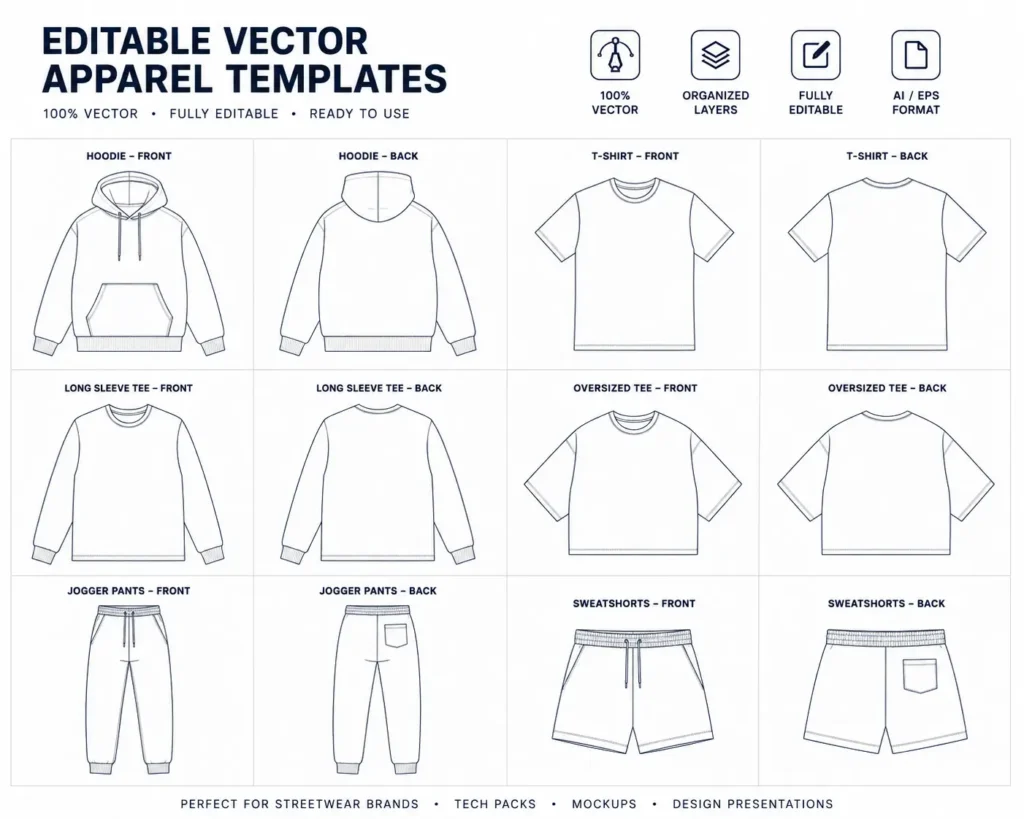
The OMEGA Bundle is built to replace the agency route entirely. It’s a full system: 450+ assets, a tech pack library covering multiple garment categories, and a full commercial license, positioned specifically against the $3,000–$5,000 agencies charge for comparable coverage.
Price: $99.99
Includes: 800+ vector assets, full tech pack library, brand guideline suite, high-res mockups, full commercial license, lifetime updates
Best for: Founders who want one permanent system covering multiple seasonal drops
Pros:
- ✓ Broadest garment and asset coverage of the three tiers
- ✓ Factory-ready tech packs across multiple product categories
- ✓ Lifetime access with zero recurring SaaS fees
- ✓ Full commercial license for unlimited product runs
Cons:
- ✗ More assets than a single-product founder may need right away
- ✗ Still requires vector editing software to customize
6. Open-Source / Free Design Templates — Best Free Bare-Bones Option
Free templates from open design communities can get a true $0-budget founder off the ground, but come with real trade-offs worth knowing upfront.
Price: $0
Includes: Basic vector shapes or mockup files, varies widely by source
Best for: Pre-revenue founders testing an idea before spending anything
Pros:
- ✓ Zero cost to start
- ✓ Useful for early concept testing
Cons:
- ✗ Rarely includes accurate, factory-ready tech pack measurements
- ✗ Licensing is often non-exclusive, meaning other brands may use the same files
7. Kittl or Placeit — Best Quick Web Graphics Tool
Kittl and Placeit are fast, browser-based tools for generating social content and quick product mockups without opening a heavier design program.
Price: $10–$15/month
Includes: Template-based mockups and social graphics
Best for: Fast marketing visuals for launch-day social posts
Pros:
- ✓ Very fast turnaround for social-ready visuals
- ✓ No design software experience required
Cons:
- ✗ Not suitable for technical manufacturing preparation
- ✗ Subscription cost recurs indefinitely, unlike a one-time bundle
How to Choose the Right Design System for Your Clothing Brand
The right choice comes down to four factors: your budget, your technical comfort level, what you actually need to produce, and how versatile the files need to be.
Factor 1 — Your budget. Decide between $0 free templates, a $20–$80 one-time bundle, or a $3,000–$5,000+ agency engagement. For most first- and second-drop founders, the middle tier delivers the best return.
Factor 2 — Your technical skill level. Beginners benefit from simpler starter kits with fewer editable layers. Intermediate and pro users can take full advantage of expanded vector libraries and multi-garment tech pack systems.
Factor 3 — Your production needs. If you only need marketing mockups for social media, a lighter tool may suffice. If you’re sending files to a manufacturer, you need true tech packs — not just pretty images.
Factor 4 — Asset versatility. Editable vector source files (AI, SVG) can be resized and repurposed indefinitely. Flattened PNGs cannot — you’ll be redoing work every time your brand grows.
Here’s a simple decision framework for affordable clothing brand tools:
- Choose the Starter Bundle ($19.99) if: you’re launching your first single-product drop and need core essentials on a strict shoestring budget.
- Choose the Designer Bundle ($59.99) if: you’re scaling into a small seasonal collection and need tech pack plus a wider mockup library.
- Choose the OMEGA Bundle ($99.99) if: you want a full tech pack library ready for factory production and a permanent, reusable design system across multiple future drops.
- Choose a custom agency ($3,000+) if: your line involves highly proprietary construction techniques, custom illustration work, or a budget that comfortably absorbs premium retainer pricing.
💡 Pro Tip: Buy a comprehensive design bundle once to secure permanent commercial rights, rather than paying recurring monthly software fees for templates you’ll use for years.
Frequently Asked Questions
What is included in a complete clothing brand design system?
A complete system typically includes your logo and brand guidelines, a color palette, typography rules, vector garment blanks, tech packs with measurement callouts, and high-res mockup files for marketing. Together these keep every asset — from your factory spec sheet to your Instagram post — visually and technically consistent.
How much does it cost to build a clothing brand design system on a budget?
Pricing ranges widely. Free open-source templates cost $0 but lack manufacturing accuracy. DIY bundles like the Starter Bundle ($19.99) or Designer Bundle ($59.99) sit in the middle, while a complete system like the OMEGA Bundle ($99.99) replaces most of what a $3,000–$5,000 agency retainer would cover.
Do I need tech packs in my design system if I already have mockups?
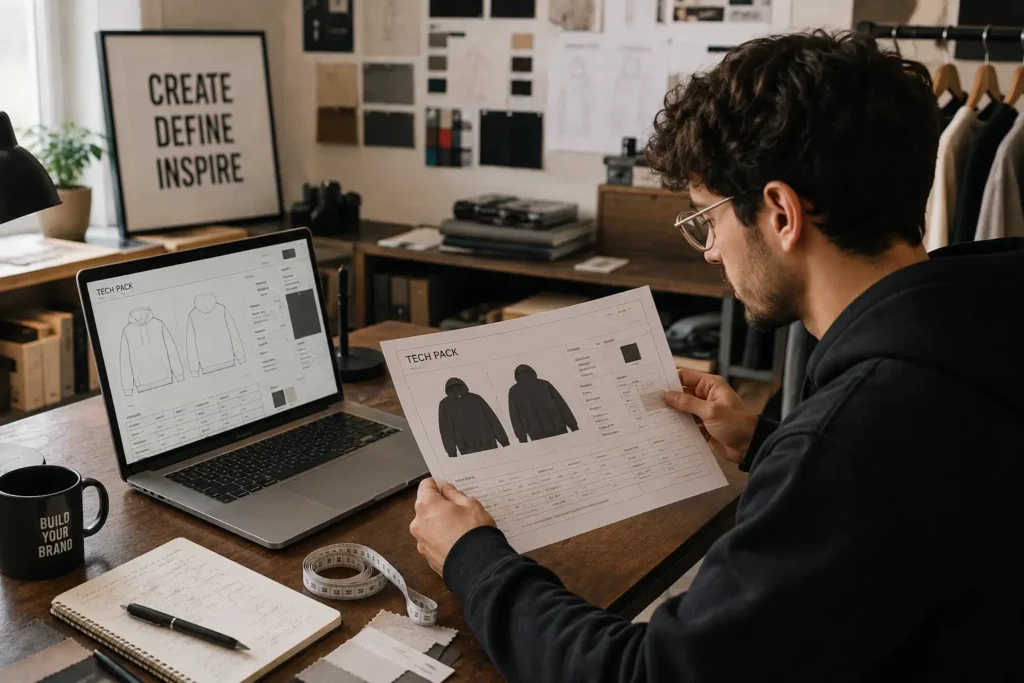
Yes — mockups and tech packs serve different jobs. Mockups are polished marketing images meant for customers and social media. Tech packs are technical, measurement-based spec sheets meant for factories, and factories generally can’t produce accurate samples from a mockup alone.
What tools do I need to edit vector apparel design systems?
Most vector-based tech packs and templates open in Adobe Illustrator, with Photoshop for raster mockup editing. Affinity Designer is a lower-cost alternative with similar vector capability. Free tools like Inkscape can open basic vector files but may struggle with complex layered tech packs.
Can I send pre-made design system tech packs directly to clothing manufacturers?
Yes, provided the tech packs are properly formatted with accurate measurements, stitch callouts, and material specs. Editable AI or PDF tech pack files can be adjusted to your exact garment before being sent to a factory for sampling.
Are one-time design system bundles better than software subscriptions?
It depends on the category. A one-time bundle for design assets (like tech packs and templates) gives you permanent ownership without recurring fees. Editing software subscriptions (like Adobe Creative Cloud) are typically still needed separately to open and customize those files.
Can I use these design system templates for commercial clothing sales?
Most paid bundles, including S.i. Graphics’ Starter, Designer, and OMEGA bundles, include a commercial license allowing use across unlimited product runs. Always confirm licensing terms before selling products built from any template, especially free ones.
Do I need advanced graphic design skills to use an apparel design system?
No — most bundles are built with layered, labeled files intended for founders without formal design training. Basic familiarity with a vector editor is helpful, but the templates are structured so you’re customizing existing layouts rather than designing from a blank canvas.
How do design systems prevent sample factory mistakes?
Factories work from measurements and callouts, not visual impressions. A design system with accurate, standardized tech packs reduces the back-and-forth sample revisions that happen when a factory has to guess at spec details from an incomplete file.
What is the difference between a brand style guide and a design system?
A style guide typically covers visual identity — logo usage, colors, fonts. A full design system goes further, including the production-ready files (tech packs, vector blanks) needed to actually manufacture and market products consistently.
Conclusion
Building a clothing brand doesn’t require a five-figure design budget to look — and function — like a real brand. To recap:
- A true design system needs both marketing assets (mockups, guidelines) and production assets (tech packs, vector blanks)
- Agencies make sense for complex, well-funded launches, but most early-stage founders can close the gap with a pre-built bundle at a fraction of the cost
- Editable vector source files scale with you across seasons — flattened images don’t
- The right tier depends on your stage: single-drop, growing collection, or permanent multi-season system
Ready to build your clothing brand design system budget the smart way? Start where your current drop actually needs you to start:
- → Entry Level: Starter Bundle ($19.99)
- → Mid-Tier: Designer Bundle ($59.99)
- → Complete System: Omega Bundle ($99.99)
You don’t need to choose between looking professional and staying on budget. Pick the tier that matches where your brand is right now, and build from there.