Design - Create - Grow


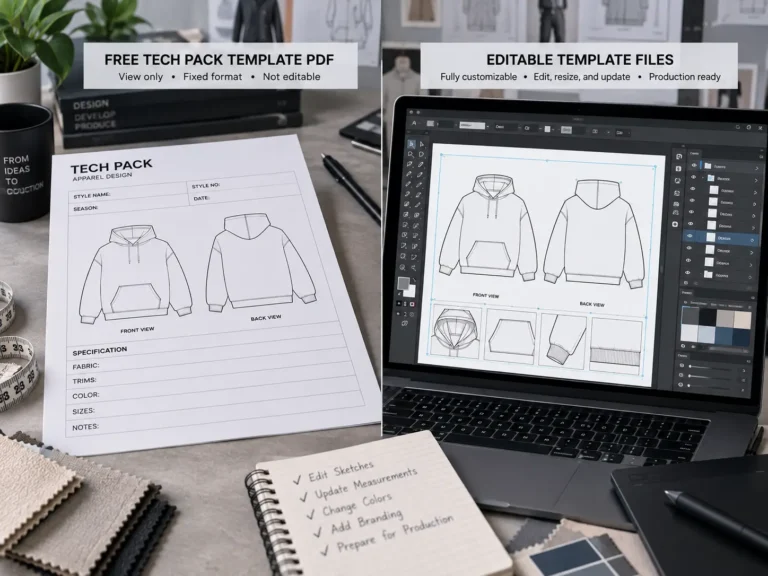
Looking for the best free streetwear mockups to showcase your designs? Whether you’re creating for a brand, a client, or your own portfolio, having clean and realistic mockups is a must. In this post, we’ve rounded up five top websites that offer high-quality free mockups—perfect for t-shirt designers, fashion startups, and streetwear creatives. If you also need production documents, our guide to free vs paid tech pack templates shows where free is fine — and where it isn’t.
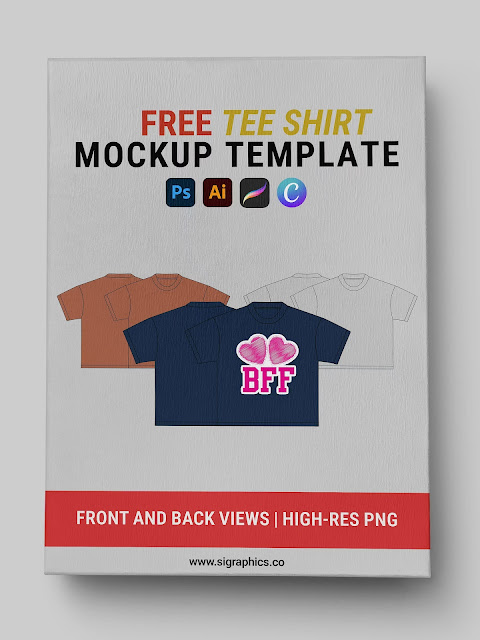
1. S.i. Graphics – Free Streetwear Mockups & More
- Includes: Oversized tees, hoodie mockups, AI/Vector files
- File Types: AI, EPS, high-res PNG
- No email required
“A great freebie hub with clean, editable vector mockups—ideal for Illustrator users.”
2. Placeit by Envato
- Drag-and-drop t-shirt previews
- Limited free options (more with account)
- Great for social media content
3. GraphicBurger
- Trendy PSD files
- Clean minimal style
- Great for streetwear lookbooks
4. MockupWorld
- Curated freebies from top creators
- Wide format variety (hats, tags, labels)
- Mostly PSD format
5. Pixpine
- High-res streetwear flatlays
- Simple download, no login
- Good for portfolio and product previews
How to Choose the Right Mockup for Your Design
A mockup is only as good as its fit for your specific design. Run through this checklist before you download:
- Match the garment. An oversized graphic on a fitted-tee mockup looks wrong, and a boxy streetwear print on a slim fashion mockup confuses buyers. Pick the silhouette your customer will actually wear.
- Check the angles. A front view is the minimum. If you print on the back or sleeves, you need those views too — otherwise you’re presenting half a product.
- Model vs. flat-lay vs. ghost mannequin. On-body model shots sell lifestyle and work best for social media. Flat-lays look clean on product pages and portfolios. Ghost mannequins are the e-commerce standard when the fit itself is the selling point.
- File format. PSD files with smart objects (for Photoshop) give the most realistic result — fabric shadows and wrinkles wrap around your design automatically. PNG or JPG mockups are fine for quick drops. AI vector mockups are the pick if you work exclusively in Illustrator and want infinite scaling.
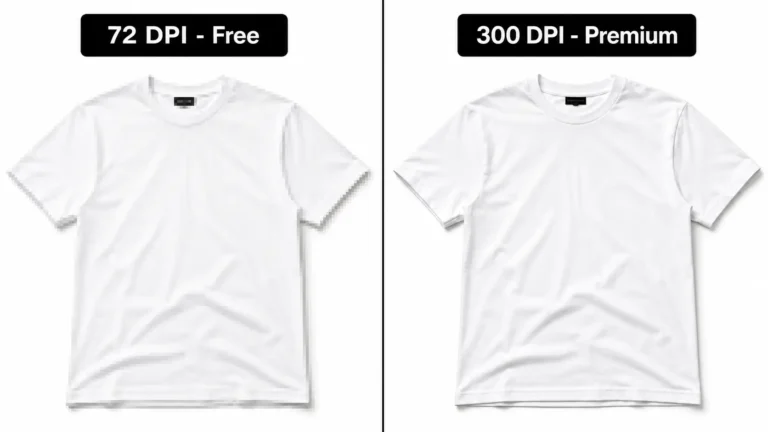
- Resolution. For lookbooks or anything printed, you want high-resolution files (300 DPI at final size). For Instagram and web stores, web-sized files are plenty — oversized files just slow your page down.
How to Place Your Design on a Mockup (The 5-Minute Version)
In Photoshop (PSD mockups): Open the file and find the smart object layer — it’s usually labeled “Your Design” or similar. Double-click it, paste your artwork into the window that opens, save, and close. The mockup updates automatically with your design wrapped into the fabric’s shadows and folds. Don’t flatten or rasterize the smart object, or you lose the effect.
In Illustrator (vector mockups): Open the AI file, unlock the layers, and recolor the garment with Edit → Edit Colors → Recolor Artwork. Place your graphic with File → Place, then use a clipping mask to fit it inside the garment panel so it follows the shape.
Export a PNG for web use, and keep the original mockup file untouched so you can reuse it for the next design.
Free Mockup Licenses: What to Check Before You Publish
Free doesn’t mean restriction-free. Before a mockup goes on your store, your portfolio, or a client’s project, check three things:
- Commercial use. Some free mockups are personal-use only — fine for practice, not for products you sell or paid client work.
- Attribution. Some creators ask for credit. That’s reasonable for a portfolio piece but awkward on a product page, so know before you commit to a file.
- Redistribution. Never re-upload someone else’s mockup as your own freebie, even with credit. Using a mockup and redistributing it are different rights.
When in doubt, the license file or the site’s terms page is the answer — not the download button label.
Why Mockups Matter for Streetwear Brands
Mockups don’t just make your designs look professional—they increase conversions, attract buyers, and are essential for social proof.
Frequently Asked Questions
Are free mockups good enough for a real clothing brand?
For starting out, yes. A clean free mockup presents your design far better than a flat graphic on a white background. As your brand grows, paid mockups earn their keep through consistent lighting across a whole collection, more angles, and clearer commercial licenses.
PSD or PNG mockups — which should I choose?
PSD with smart objects if you use Photoshop and want the most realistic fabric effect. PNG if you want something fast and simple, or if you work outside Photoshop. Both can look professional; the difference is flexibility.
Can I use these mockups on my online store?
Check each file’s license first. Most of the sites listed above allow commercial use, but terms vary by file — especially around attribution. When a license is unclear, contact the creator or pick a different file rather than guessing.
Looking for more Illustrator Cothing Mockup Files?
Explore Best Clothing Mockup Bundle.